
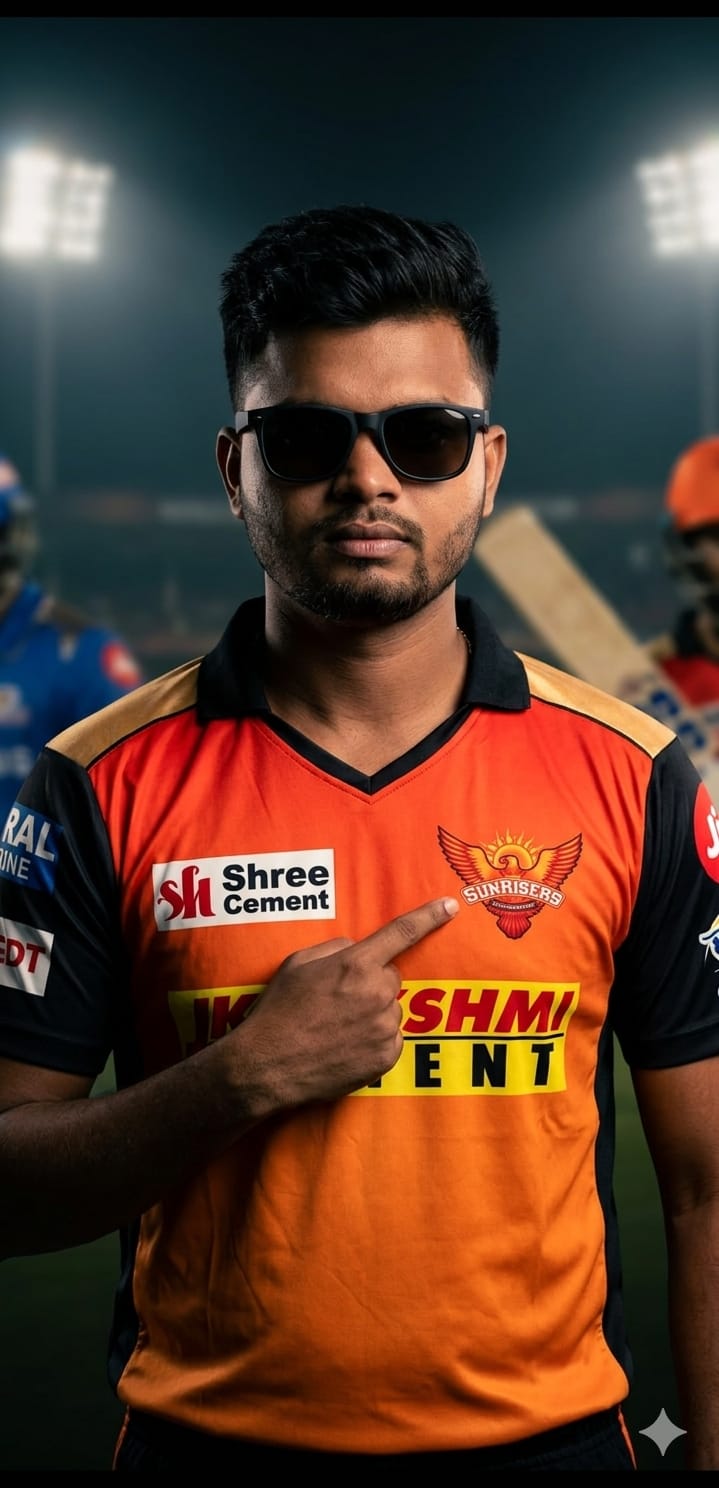
The IPL fever is taking over, and every fan wants to stand out on social media. This Sunrisers Hyderabad (SRH) AI prompt is designed to create a high-end, cinematic studio portrait that looks like an official team photoshoot. What makes this prompt special is its focus on dramatic low-key lighting and the specific detail of pointing to the team crest—a gesture of pure loyalty.
Whether you are a die-hard member of the “Orange Army” or just love the sleek new jersey aesthetics, this prompt delivers ultra-high-resolution results with realistic skin textures and professional sports branding vibes. It’s perfect for WhatsApp DPs, Instagram posts, or even personalized posters for your room!
The Premium Copy Card
Read more: Sunrisers Hyderabad (SRH) Jersey prompt for Gemini AI:
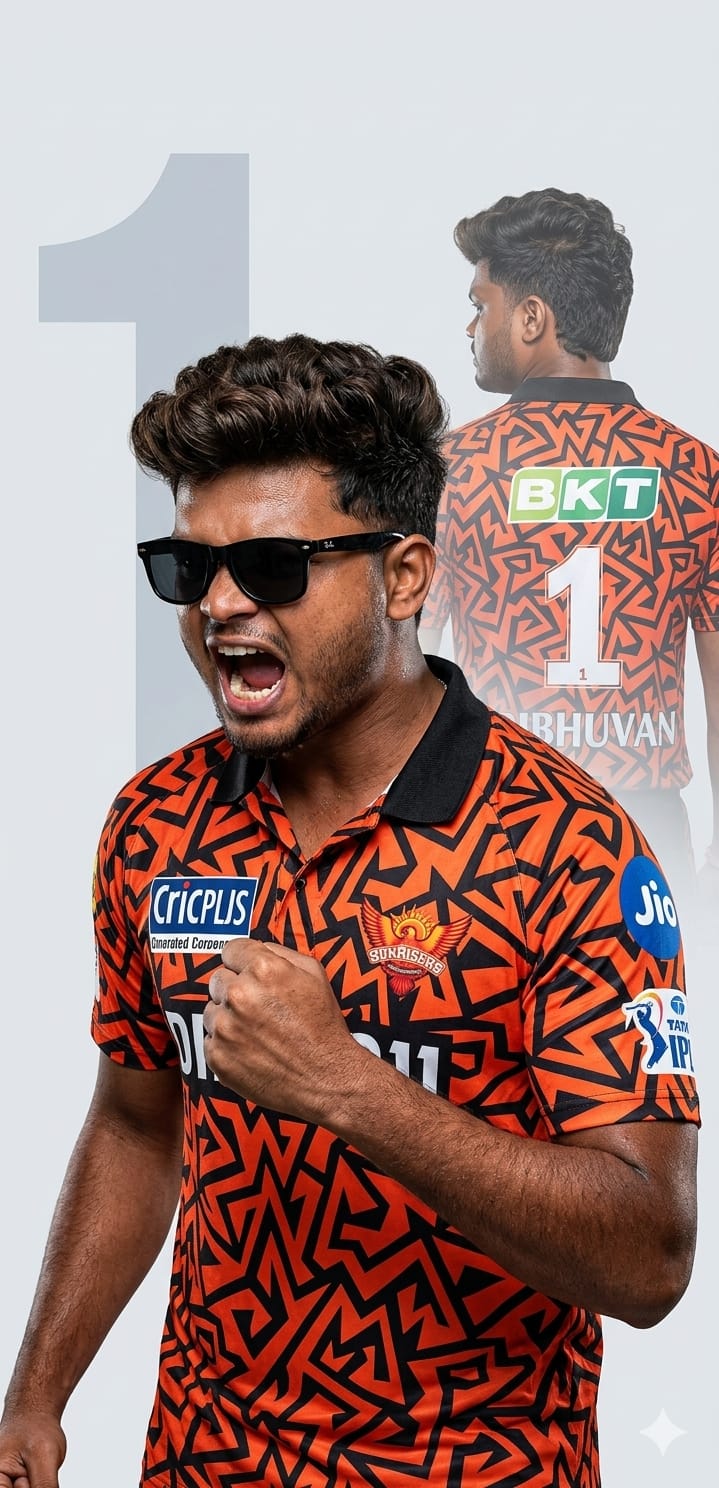
Pro-Tips: Prompt Ko Customize Kaise Karein?
- Face Matching: Best results ke liye Bing ya Midjourney par apni Reference Photo upload karein aur uska link prompt ke shuruat mein paste karein.
- Jersey Customization: Agar aapko specific sponsor (jaise ‘Dream11’ ya ‘BKT’) chahiye, toh prompt mein ‘Shree Cement’ ko replace kar dein.
- Name & Number: Customize prompt mein “Wearing jersey with name [Your Name] and number [07]” add karke.
- Sunglasses Style: Black shades ki jagah aap “Aviator sunglasses” ya “Reflective orange sports glasses” bhi likh sakte hain.
Step-by-Step Guide: Isse Use Kaise Karein?
- Prompt Copy Karein: Sabse pehle upar diye gaye box se prompt ko copy karein.
- AI Tool Open Karein: Go to Bing Image Creator or Midjourney.
- Photo Upload (Optional): Agar aapko apna face chahiye, toh apni photo upload karke uska URL prompt ke aage lagayein.
- Paste & Generate: Prompt ko text box mein paste karein aur “Create” par click karein. Dhyan rakhein, AI kabhi kabhi text (logos) mein galti kar sakta hai, isliye 2-3 baar generate karke dekhein.
- Enjoy: Apni viral SRH image ko download karein aur Instagram par post karein!