
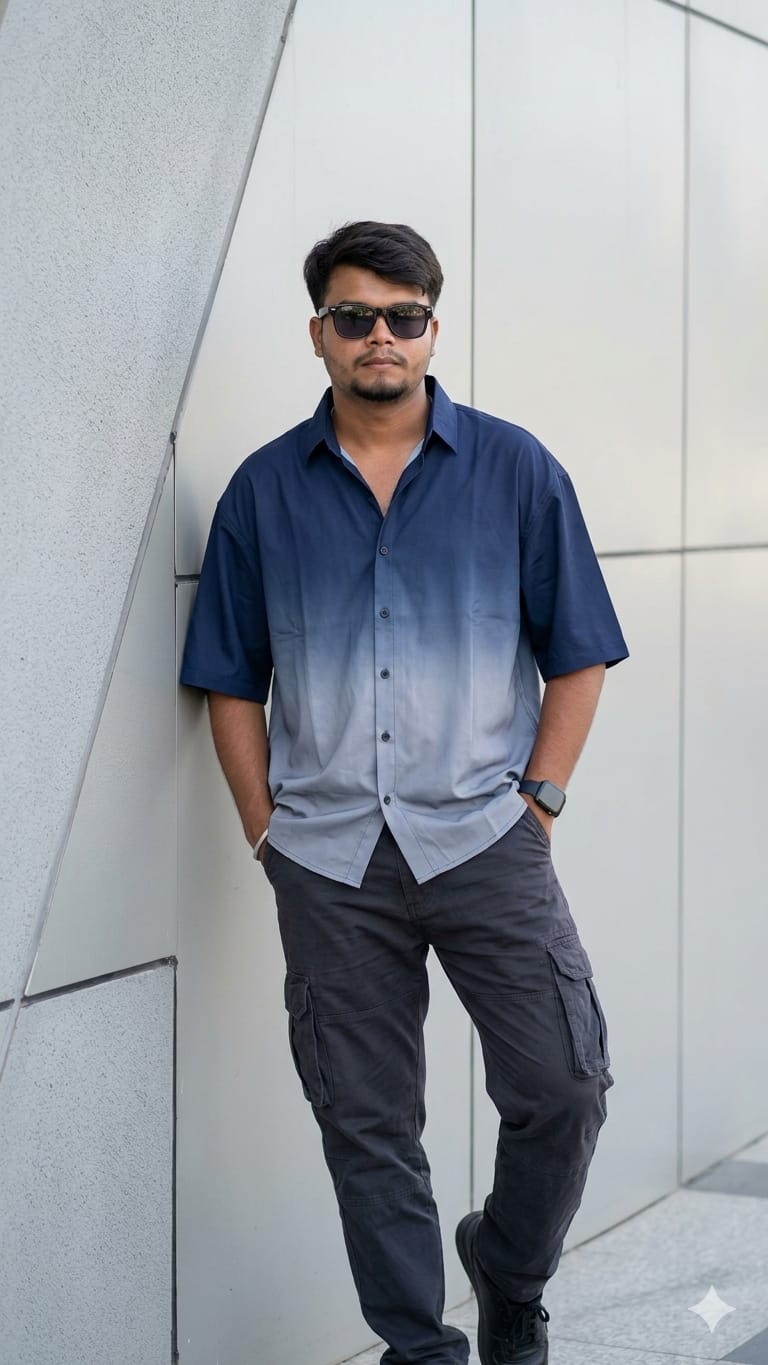
Urban fashion is taking the AI art world by storm, and this specific look is the epitome of “effortless cool.” Featuring a full-body shot of a man with messy dark hair, this prompt focuses on the intricate details of modern street style—from the dark blue to light gray ombre gradient on the oversized button-down to the rugged texture of utility cargo pants.
Whether you are looking to create high-end fashion mockups or just want a sleek new DP for your social media, this prompt delivers. It captures natural, bright daylight and realistic skin textures that make the final result look like a professional photoshoot rather than an AI generation. Let’s dive into how you can grab this prompt and make it your own!
The Premium Copy Card
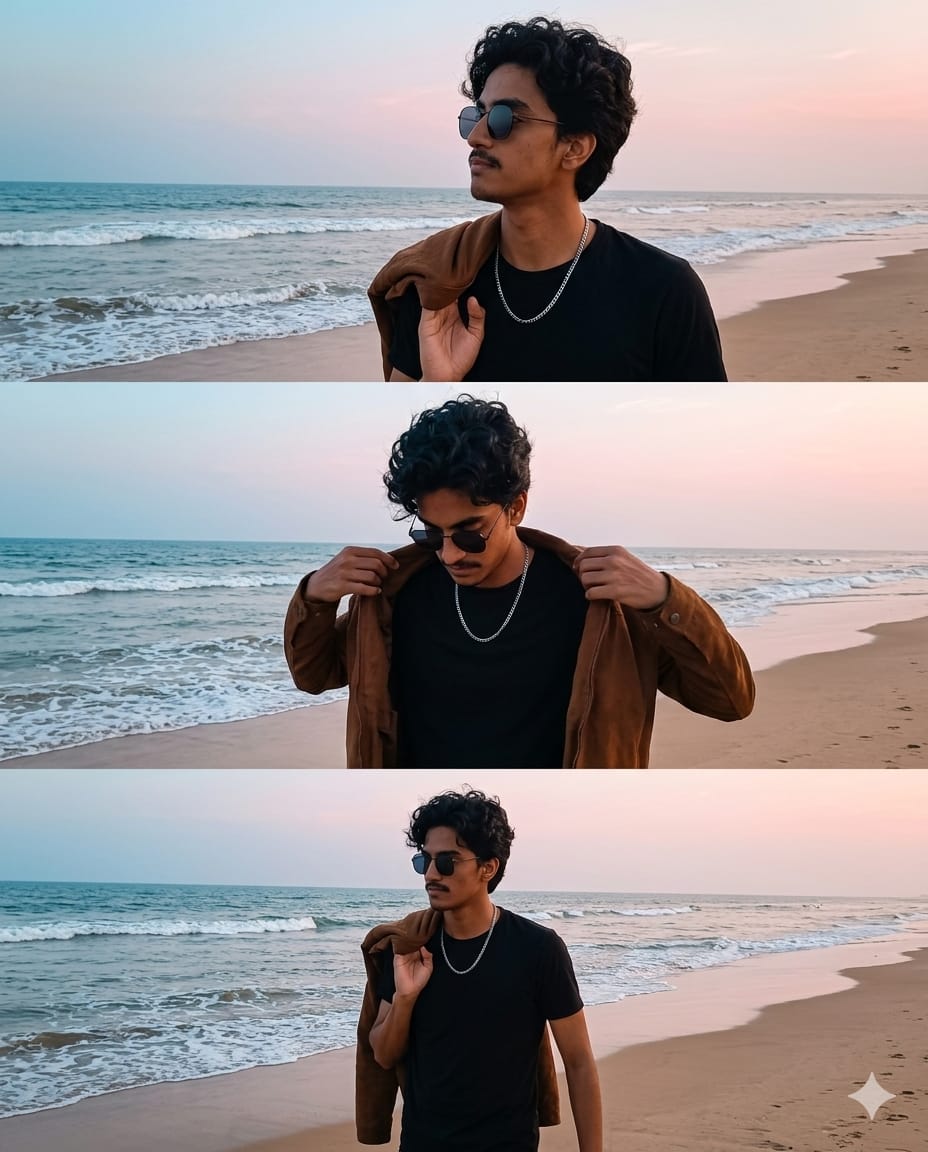
Read more: Cinematic Beach Triptych AI Prompt:
Pro-Tips Section
Is prompt ko aur bhi zyada personal banane ke liye ye tips follow karein:
- Change Outfit Colors: Ombre dark blue ki jagah aap “sunset orange to deep red” ya “emerald green to black” try kar sakte hain.
- Accessories: Wrist watch ki jagah “silver chain necklace” ya “beanie cap” add karke look change karein.
- Background: Modern wall ki jagah “Tokyo neon street” ya “luxury cafe balcony” likh sakte hain for a different vibe.
- Facial Features: Realistic results ke liye “stubble beard” ya “sharp jawline” jaise keywords add karein.
Step-by-Step Guide
- Copy the Prompt: Sabse pehle upar diye gaye “Copy Prompt” button par click karein.
- Open AI Tool: Bing Image Creator (Microsoft Designer) ya Midjourney open karein.
- Paste & Customize: Box mein prompt paste karein. Agar aapko apna naam likhna hai shirt par, toh “with name ‘YOUR NAME’ written on back” add kar sakte hain.
- Generate: Create button par click karein aur 10-15 seconds wait karein.
- Upscale & Save: Best image select karein aur high resolution mein download kar lein!