
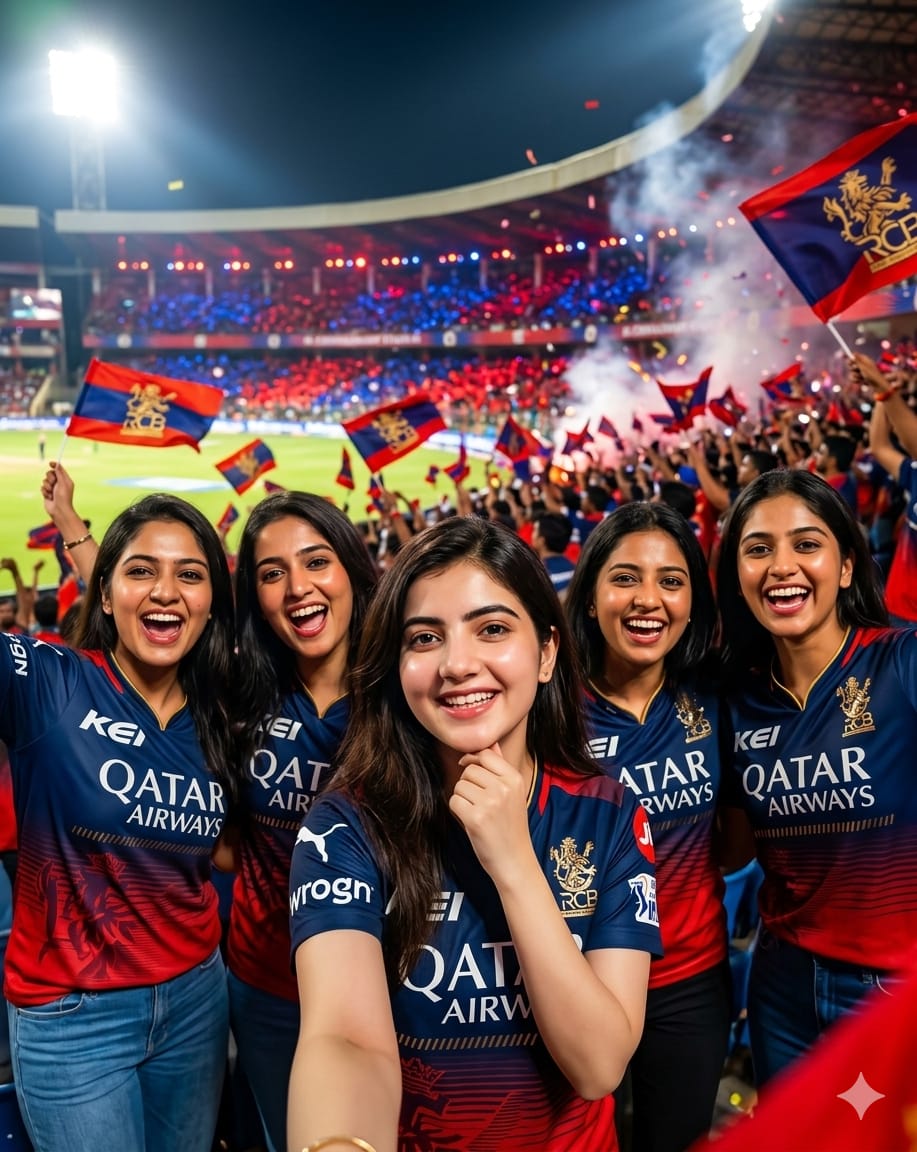
The IPL season isn’t just about cricket; it’s about the vibe, the friendship, and the unconditional love for the Royal Challengers Bengaluru! If you’ve ever dreamt of a professional photoshoot with your girl gang at the M. Chinnaswamy Stadium, this prompt is your magic wand.
This specific AI prompt is designed to generate a high-energy, 8K cinematic shot of 5 young women rocking the bold red and blue RCB colors. Unlike basic prompts, this one focuses on technical excellence—capturing intense stadium floodlights, realistic skin textures, and that “festive fan atmosphere” that makes the image look like a professional sports magazine cover. Whether you want to post a viral Reel or a stunning DP, this “RCB Girl Squad” vibe is exactly what you need to show your support for King Kohli and the team!
The Premium Copy Card
Read more: Chennai Super King (CSK) girl creates image Gemini AI prompt:
Pro-Tips: Customization Guide
- Name & Number: Prompt mein “jersey” ke aage apna favorite name aur number add karein (e.g., “Jersey with name ‘Kavya’ and number 18”).
- Squad Size: Agar aapki gang mein 5 se zyada ya kam girls hain, toh “group of 5” ko change karke apni group count likhein.
- Stadium Lighting: Replace “intense stadium floodlights” with “sunset golden hour stadium lighting” for a softer, aesthetic look.
- Skin Tone: Custom results ke liye “South Asian” ki jagah “Indian” ya “Specific Features” mention karein.
Step-by-Step Guide: Kaise Use Karein?
- Bing/Midjourney Open Karein: Sabse pehle Bing Image Creator ya Midjourney open karein.
- Prompt Paste Karein: Humare copy card se unlocked prompt copy karke paste karein.
- Reference Image (Optional): Agar aap chahie ki AI aapke jaisa face banaye, toh Bing mein “Image Upload” feature ka use karein.
- Create Par Click Karein: Create a button click and wait 10-15 seconds.
- Upscale & Save: Best image select karke upscale karein aur social media par #EeSalaCupNamde ke saath post karein!