
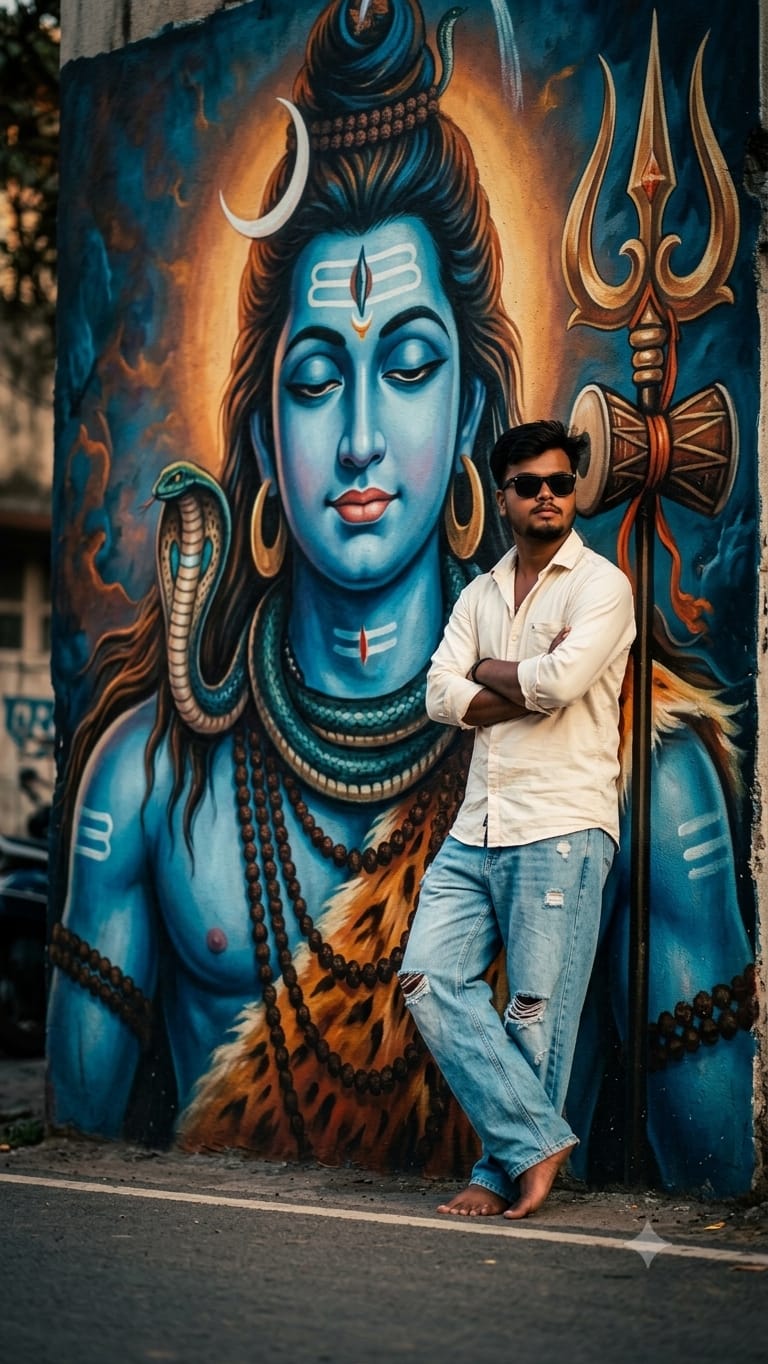
If you want to create a stunning, powerful social media profile picture that perfectly blends modern streetwear aesthetics with deep spiritual vibes, this viral AI image prompt is exactly what you need. It creates a hyper-realistic cinematic portrait of a young man leaning casually against a massive, beautifully detailed mural of Lord Shiva painted on a textured city wall. The contrast between contemporary fashion—oversized ripped jeans, a casual cream shirt, and trendy sunglasses—and the grand, mystical presence of Mahadev creates an unmatched visual impact. This prompt is specially optimized to capture authentic textures, rich cultural details, and a moody, high-end editorial look that is guaranteed to grab attention on Instagram and Facebook.
The Premium Copy Card
Read more: Create CSK jersey prompt: Gemini and ChatGPT
Step-by-Step Guide (Hinglish)
Method 1: Using Bing Image Creator (Copilot)
- Sabse pehle upar diye gaye custom prompt ko copy karein.
- Bing Image Creator, Google Gemini and chatGPT
- Face Matching Option: Agar aapko khud ka face chahiye, toh aap reference image option use kar sakte hain ya fir image generate hone ke baad kisi bhi face-swap tool (jaise Remaker AI) ka use karke apna original face photo AI image ke face se replace kar sakte hain.
- Text box mein prompt paste karein aur Create par click karein. Kuch hi seconds mein aapke samne 4 premium images taiyar ho jayengi!
Method 2: Using Midjourney
- Midjourney Discord server par jayein ya unka web interface open karein.
- Using Reference Image: Agar aap chahte hain ki photo bilkul aapki tarah dikhe, toh pehle apni ek saaf, high-quality picture chat mein upload karein. Us image ka link copy kar lein.
- Ab
/imagine prompttype karein, pehle apni uploaded photo ka URL paste karein, fir ek space dekar upar diya gaya premium prompt paste kar dein. - Prompt ke end mein
--ar 3:4(Instagram size ke liye) ya--v 6.0high-detail quality ke liye add karein aur enter hit karein.
1 thought on “Lord Shiva Street Art AI Photo Editing: Viral Cinematic Boy Portrait Prompt”