
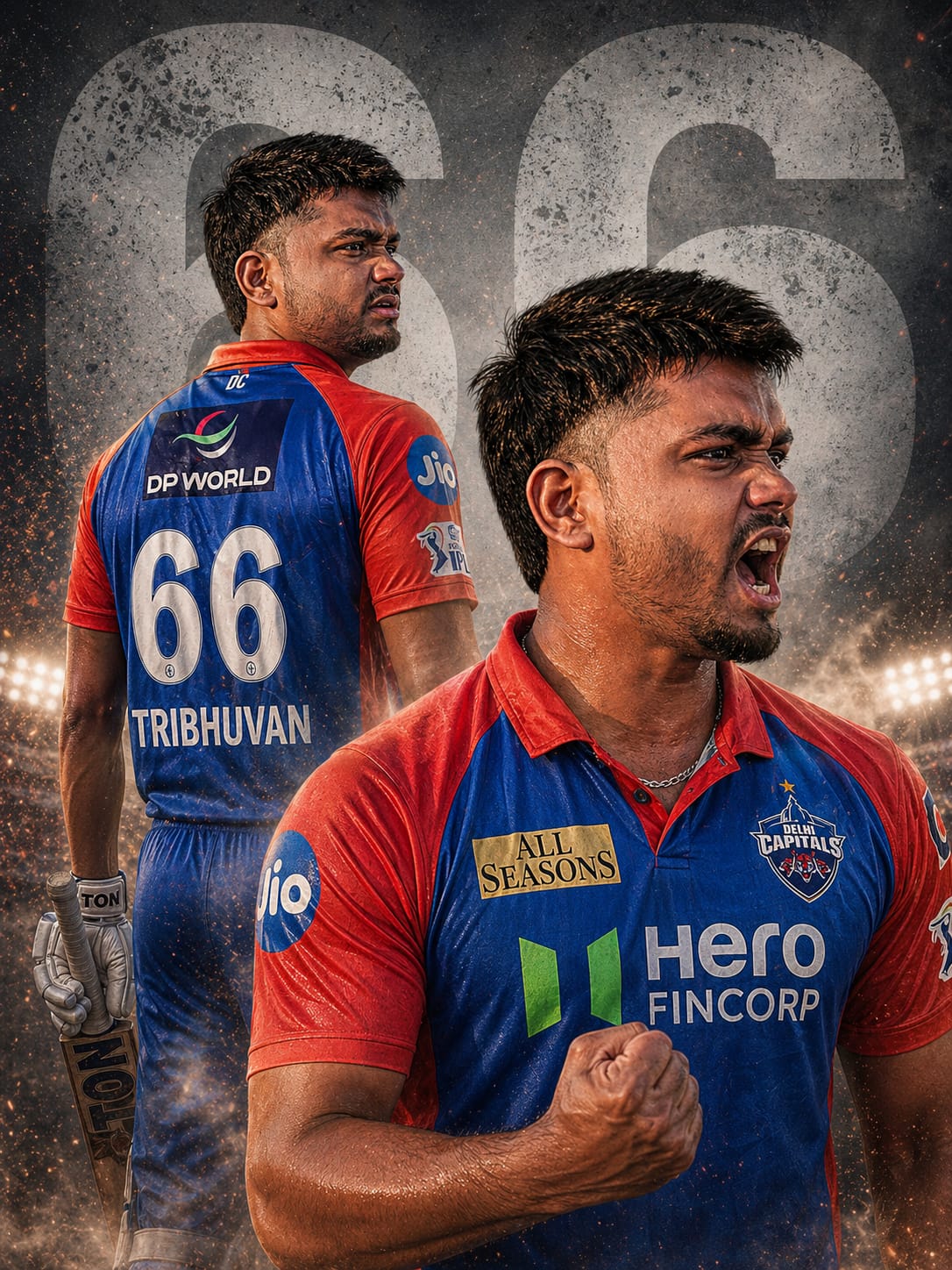
Delhi Capitals fans, are you ready to roar? The IPL 2026 season is here, and the “Dilli Boys” energy is higher than ever. To celebrate the spirit of the capital, we have designed an exclusive cinematic dual-pose cricket poster prompt that will make you look like the next big superstar of the DC squad.
This prompt is special because it captures two distinct emotions: the mystery of a focused athlete (back-view) and the raw, explosive power of a victory celebration (foreground). With 8K resolution, realistic sweat textures, and the iconic blue-and-red DC kit, this AI photo will look 100% professional. Whether you’re posting on Instagram or setting a new profile picture, this “Roar Macha” vibe is exactly what you need!
The Premium Copy Card
Read more: – Create Viral (DC) girl image Jersey Gemini AI prompt: Delhi captains
Pro-Tips for Customization
- अपना नाम और नंबर बदलें: Prompt mein jahan
"66"likha hai, wahan apna lucky jersey number daal dein. Name add karne ke liye “labeled with name [APNA NAME] “like. - Jersey Colors: DC’s main colors are blue and red. Aap “vibrant electric blue” ya “matte red accents” likhkar color shade customize kar sakte hain.
- Face Matching: Agar aapko exact apna face chahiye, toh AI generate karne ke baad Remaker AI ya InsightFaceSwap use karein.
- Stadium Lighting: “Dramatic stadium floodlights” ko “golden hour stadium lighting” mein badal kar ek alag vibe de sakte hain.
Step-by-Step Guide: How to Use
- AI tool par jayein: Bing Image Creator ya Midjourney open karein.
- Prompt Copy Karein: Upar diye gaye card se premium prompt copy karein.
- Customize Karein: Input box mein prompt paste karein aur “66” ki jagah apna favorite number likhein.
- Generate Karein: “Create” button par click karein aur 15 seconds wait karein.
- Download & Share: Jab images ready ho jayein, toh high-quality (UHD) version download karein aur #RoarMacha ke saath post karein!