
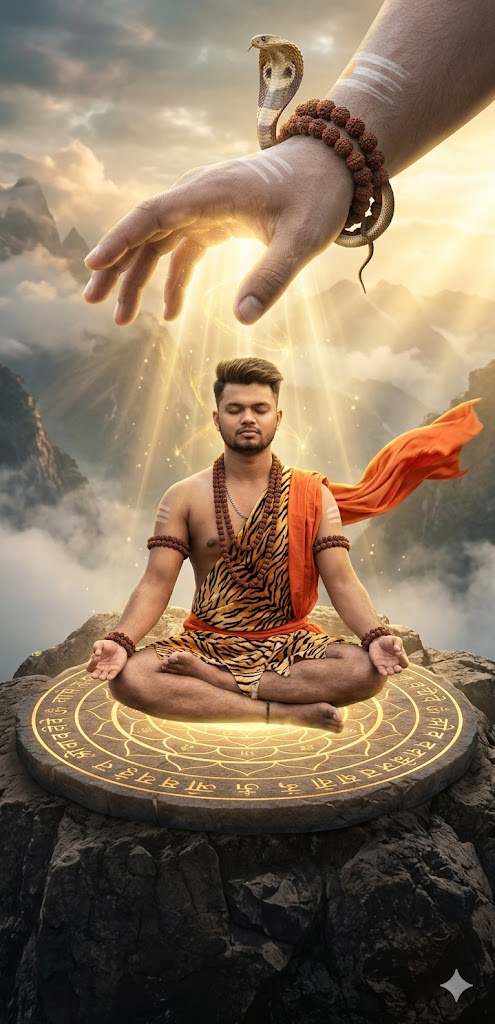
Spiritual AI art is currently taking social media by storm! There is something incredibly powerful about the image of a humble devotee receiving divine energy from the heavens. This specific Mahadev blessing prompt captures a cinematic moment of meditation on a rocky cliff, where the massive, divine hand of Lord Shiva reaches down through the clouds to bless a young yogi.
The detail in this prompt—from the glowing mandala stone and tiger-print dhoti to the spiritual energy beams and the cobra on Shiva’s wrist—makes it a masterpiece for anyone looking to create viral devotional content. Whether you want to showcase your spiritual side or create a trending Reel, this prompt is your gateway to high-end, 8K divine art.
The Premium Copy Card
Read more: Mahadev creates images Gemini AI Prompt:
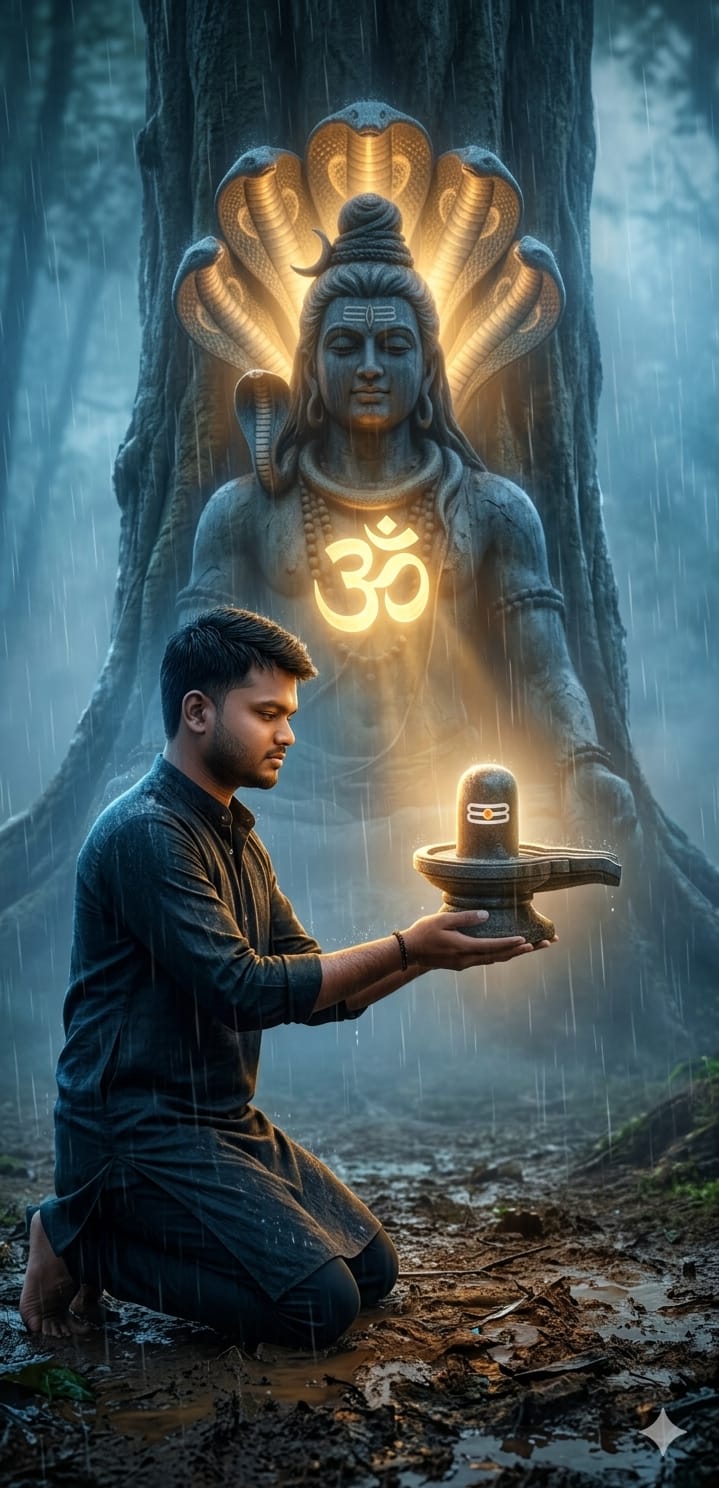
Pro-Tips for Customization
- Change Appearance: Aap prompt mein “young Indian man” ki jagah “man with long hair and beard” ya apna physical description add kar sakte hain.
- Outfit Colors: “Orange cloth” ko aap “White traditional shawl” ya “Yellow dhoti” se replace kar sakte hain.
- Background Scene: “Misty mountains” ki jagah “Ganges river bank” ya “Ancient Himalayan cave” use karke vibe change karein.
- Divine Elements: “Golden energy beams” ko aap “Blue electric sparks” ya “Divine white light” mein badal sakte hain.
Step-by-Step Guide (Kaise Use Karein)
- Prompt Copy Karein: Sabse pehle upar diye gaye premium card se prompt copy karein.
- Open Bing Image Creator: Go to Google and search for Bing Image Creator (Microsoft Designer).
- Paste & Generate: Box mein prompt paste karein aur Create button par click karein.
- Midjourney Users: Agar aap Midjourney use kar rahe hain, toh
/imagine prompt:command ke baad text paste karein aur aakhir mein--ar 16:9zaroor lagayein. - Download: Jab images generate ho jayein, toh apni pasand ki image par click karke use high quality mein save kar lein.