
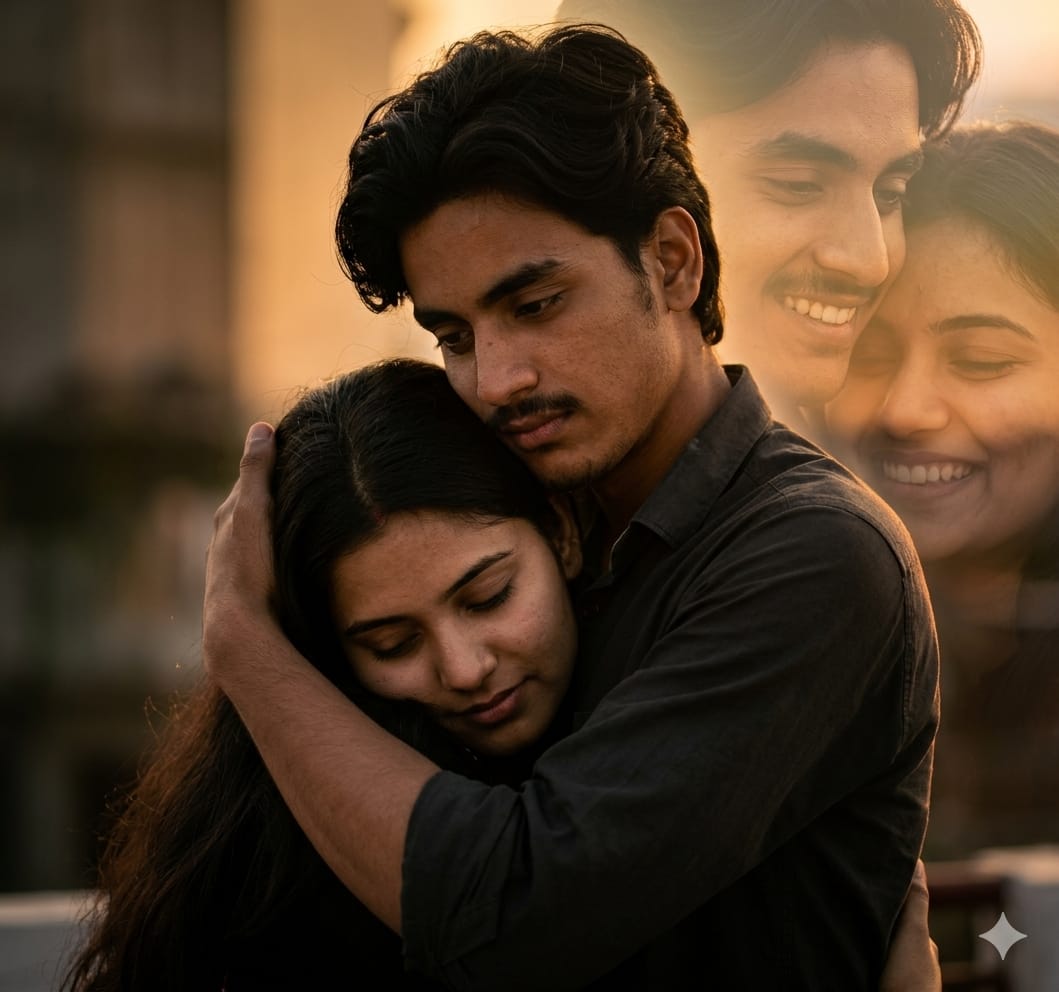
Falling in love is easy, but capturing that soul-stirring “Bollywood” romance in a single frame is an art. If you are looking to create a cinematic, emotionally deep portrait of a couple, this romantic double exposure AI prompt is exactly what you need.
What makes this prompt special is its focus on protective intimacy. It’s not just a hug; it’s a story of safety and belonging. By combining a realistic foreground embrace with soft, blended double-exposure faces in the background, you get a dreamlike, professional DSLR result. Whether you’re using Midjourney’s Character Reference (–cref) or InsightFaceSwap, this prompt ensures the facial features remain unchanged while the lighting stays moody and cinematic. Let’s bring your romantic vision to life!
The Premium Copy Card
Read more: RCB Jersey Gemini prompt:
Pro-Tips for Customization
- Outfit Change: Agar aapko traditional look chahiye, toh prompt mein “Wearing heavily embroidered Saree and Kurta” add karein.
- Lighting Mood: “Golden hour lighting” likhne se photo mein ek warm, sunset wali vibe aayegi jo romance ke liye perfect hai.
- Face Consistency: Midjourney user ho toh
--crefke saath dono images ka URL use karein aur--cw 100rakhein taaki faces bilkul change na hon. - Background Style: Double exposure ko customize karne ke liye “soft smoke effect” ya “flower petals” bhi add kar sakte hain.
Step-by-Step Guide
- Select Your Photos: Sabse pehle apni aur apne partner ki high-quality photos select karein jismein face clear dikh raha ho.
- Open AI Tool: Bing Image Creator or Midjourney (Discord) par jayein.
- Upload & Reference: Agar aap Midjourney use kar rahe hain, toh photos upload karein aur unke links copy kar lein.
- Paste Prompt: Upar diya gaya “Premium Prompt” copy karein aur tool mein paste karein.
- Generate: “Create” par click karein aur 15-30 seconds wait karein.
- Refine: Agar face thoda different lage, toh “Vary Region” tool use karke face ko refine kar sakte hain.
1 thought on “Lovely prompt Gemini AI: Realistic Couple Photoshoot Guide”