
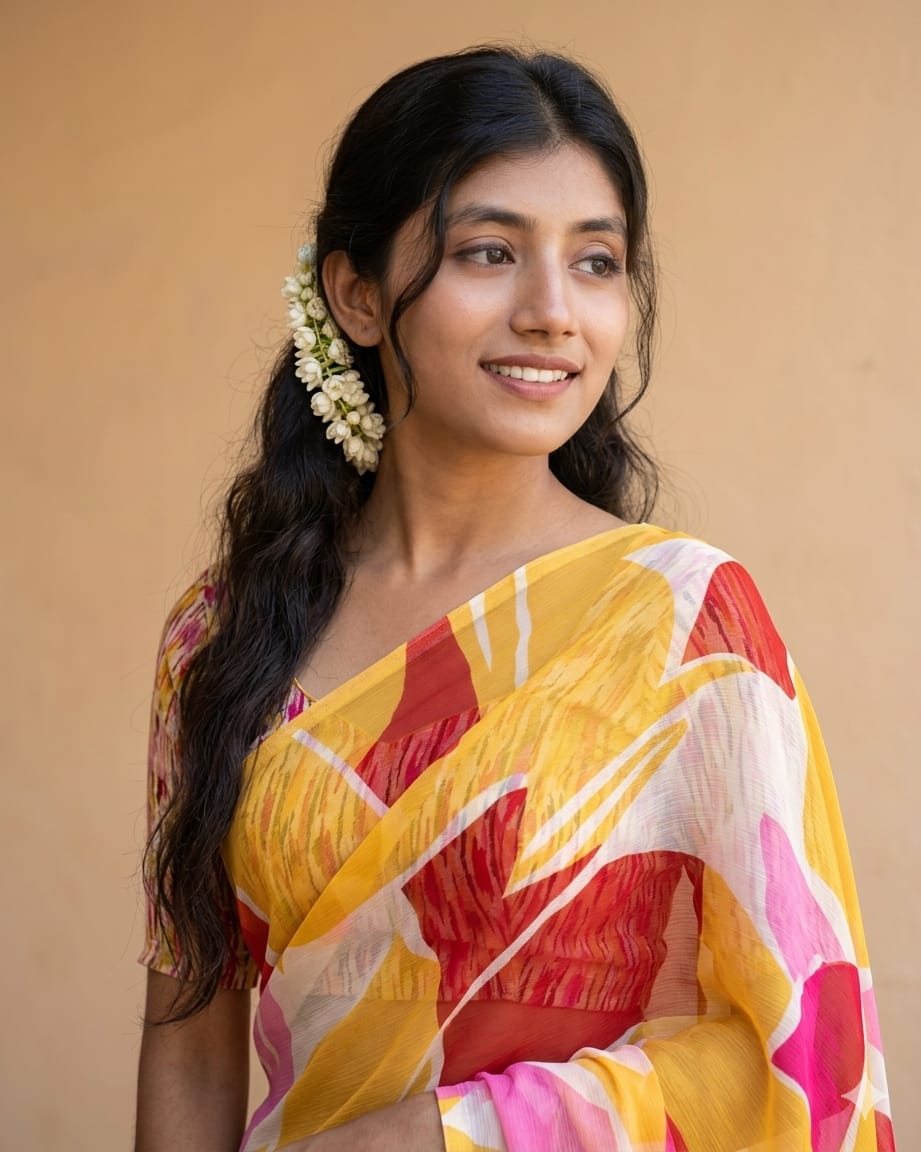
Indian ethnic wear has a timeless grace that is hard to capture perfectly, but with this high-end AI prompt, you can generate 4K HD realistic portraits that look like professional photography. This prompt focuses on the intricate details—the texture of the translucent saree, the delicate placement of white flowers, and a serene, soft expression. Whether you want to create a masterpiece for social media or practice realistic facial rendering in AI, this “Saree Portrait” vibe is special because it balances elegance with hyper-realism. It’s designed to keep the features sharp and the aesthetic warm and traditional.
The Premium Copy Card
Ethnic Realistic Portrait
4K HD REALISM
Read more: Gemini AI prompt for generating a photo with Yaalina Jamali:
Pro-Tips Section
- Face Consistency: Agar aap chahte hain ki face bilkul same rahe, toh Midjourney mein
--cref(Character Reference) tool ka use karein aur apni image ka URL paste karein. - Saree Colors: You can change the colors in the AAP prompt, such as “Royal Blue” or “Deep Emerald Green” for a different look.
- Flowers Detail: “White flowers” ki jagah “Red Roses” ya “Marigold” likh kar ek naya vibe create kar sakte hain.
- Lighting: Background ko aur realistic banane ke liye “golden hour lighting” ya “studio softbox lighting” words add karein.
- Jewelry: For extra detail, add “small gold earrings” or “thin bindi” to the prompt.
Step-by-Step Guide
- Image Upload Karein: Sabse pehle apni reference photo ko Discord (Midjourney) ya Bing par upload karein.
- Prompt Copy Karein: Upar diye gaye Premium Copy Card se text copy karein.
- Bing Image Creator: Bing par jayein, prompt box mein text paste karein, aur “Create” par click karein.
- Midjourney Use Case: Agar Midjourney use kar rahe hain, toh
/imagine prompt:likhne ke baad pehle image URL dein, phir prompt text, aur end mein--cref [URL]aur--cw 100lagayein taaki face 100% match kare. - Upscale & Save: Result milne ke baad high-resolution version ko upscale karein aur save kar lein!