
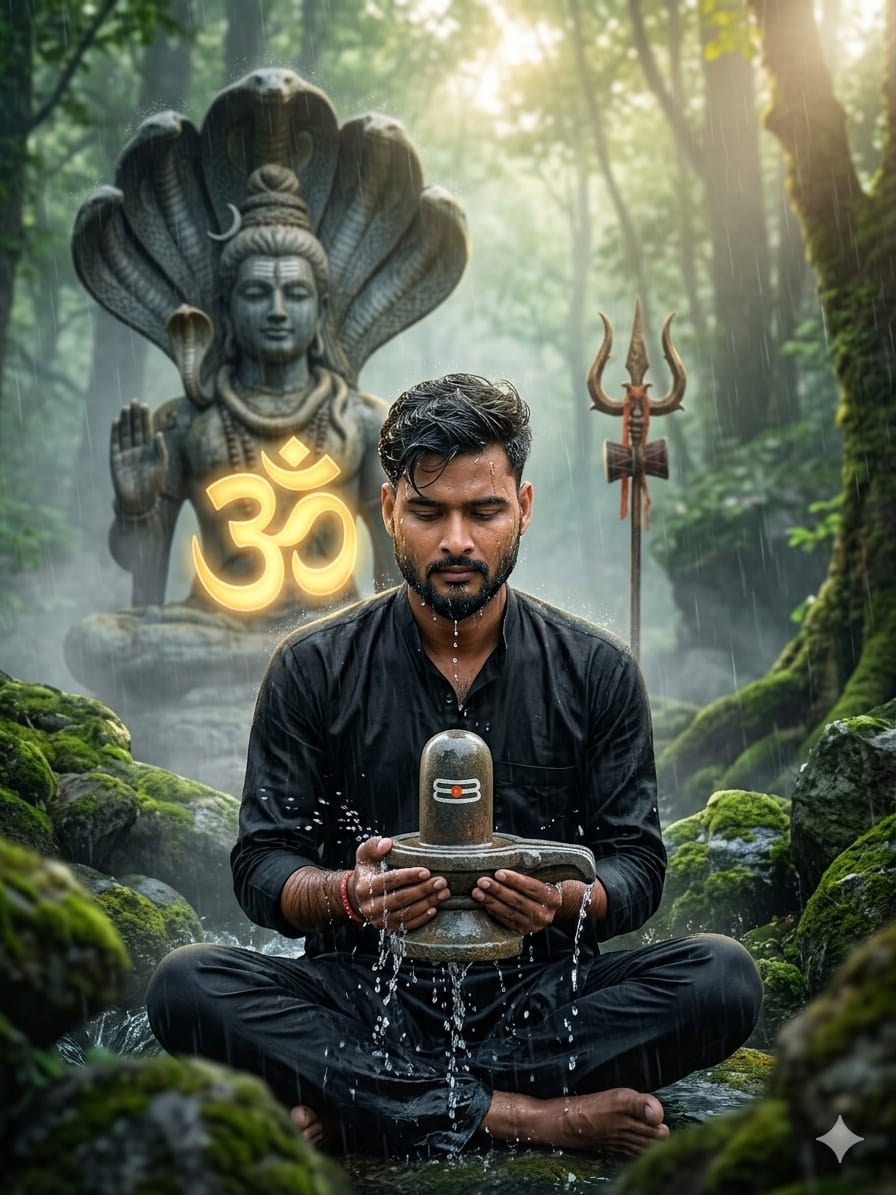
Spiritual AI art is taking the internet by storm! There is something deeply peaceful yet powerful about the connection between a devotee and Mahadev. This specific prompt is special because it combines hyper-realism with a mystical forest vibe. Whether you want to showcase deep devotion or create a stunning profile picture for Maha Shivratri or Sawan, this prompt captures the essence of “Shakti” and “Shanti.”
The focus here is on the intricate details: the water splashing from the sacred Shiva Lingam, the misty forest atmosphere, and the majestic protective cobra hoods. It’s designed to feel like a high-budget cinematic movie poster where you are the lead character.
The Premium Copy Card
Spiritual & Devotional AI
Cinematic 8K
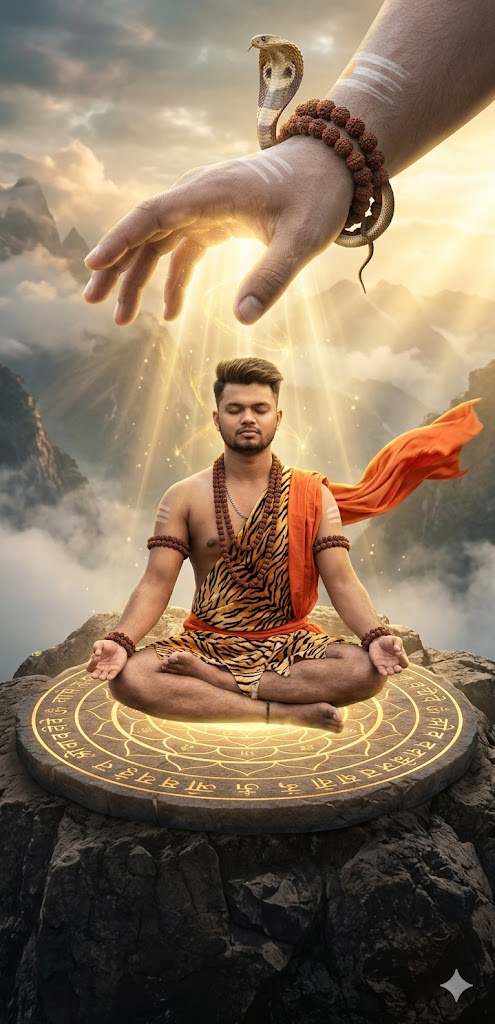
Read more: Viral Mahadev Blessing AI Prompt:
Pro-Tips: Prompt Customize Karein!
- Face Match: Agar aap apna real face use karna chahte hain, toh Midjourney mein
--cref [URL]command ka use karein jahan URL aapki photo ka link ho. - Outfit Change: “”Ko change karke aap “Saffron Kurta” ya “White Dhoti” bhi likh sakte hain.
- Background Vibe: Mist (dhund) ko kam ya zyada karne ke liye “Heavy fog” ya “Clear sunny forest” add karein.
- Golden Symbol: Aap Om symbol ki jagah apna name bhi “Glowing 3D name” likh kar prompt mein dal sakte hain.
Step-by-Step Guide: Photo Kaise Banayein?
- Bing Image Creator: Sabse pehle Microsoft Designer (Bing Image Creator) website par jayein.
- Paste Prompt: Upar diya gaya “Premium Prompt” copy karke wahan box mein paste karein.
- Changes Karein: Agar aapko apna naam ya dress color badalna hai, toh text edit karein.
- Create Par Click Karein: Generate button dabayein aur 10-15 seconds wait karein.
- Download: Jab image ready ho jaye, toh ultra-high quality mein download kar lein.