
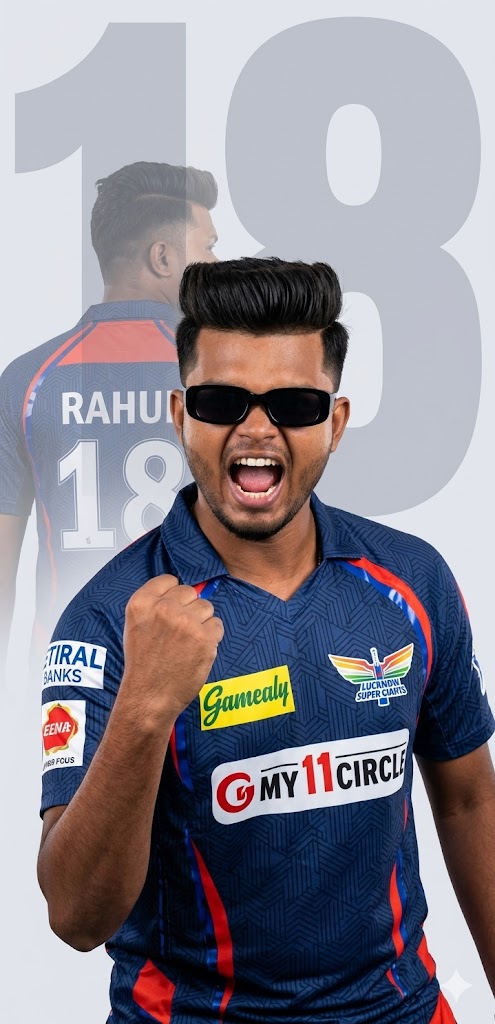
Cricket season is here, and it’s time to show your loyalty to the Lucknow Super Giants in style! This isn’t just any ordinary fan photo; we are talking about a professional-grade, cinematic sports poster that looks like it was designed by a top-tier sports agency. Featuring a trendy quiff hairstyle, rectangular black sunglasses, and a powerful double-exposure effect, this prompt captures the raw emotion of a match-winning moment. Whether you want to flex on Instagram or set a new DP, this LSG-themed AI prompt is your ticket to viral stardom. Let’s dive into the vibe of the “Adab Se Haraenge” spirit with a high-resolution 8k masterpiece!
The Premium Copy Card
Cricket Fan Poster
Cinematic 8K
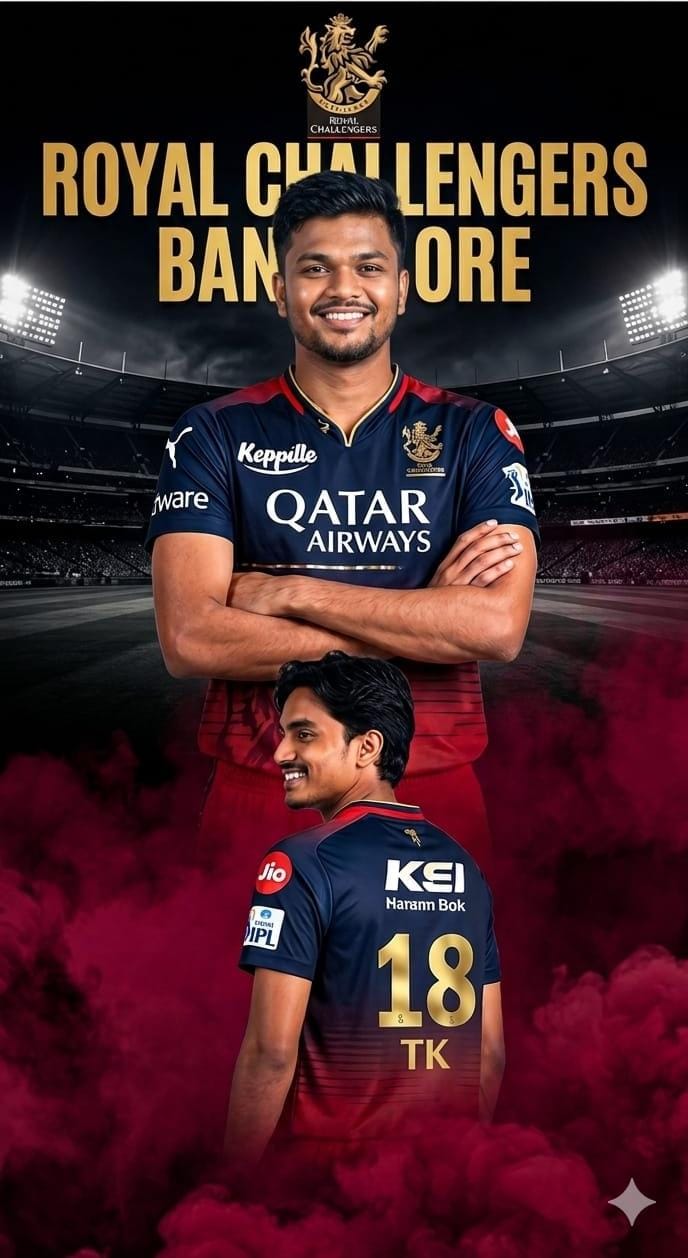
Read more: RCB Jersey Gemini prompt:
Pro-Tips for Customization
- Name Change: Prompt mein jahan ‘RAHUL’ likha hai, wahan apna naam replace karein.
- Jersey Number: Number ’18’ ko apne favorite player ya lucky number se badlein.
- Hairstyle & Looks: Agar aapko glasses nahi chahiye ya hairstyle badalna hai (like a buzz cut or long hair), toh prompt mein thoda badlav karein.
- Team Colors: LSG ki official colors Navy Blue aur Red hain, aap background ko stadium lights ya cricket pitch mein bhi change kar sakte hain.
- App Choice: Best results ke liye Bing Image Creator (Microsoft Designer) use karein kyuki wo text handling bahut acchi karta hai.
Step-by-Step Guide (Kaise Banayein)
- Copy the Prompt: Sabse pehle upar diye gaye copy button se prompt copy karein.
- Open AI Tool: Bing Image Creator or Midjourney ki website/app par jayein.
- Paste & Edit: Prompt ko text box mein paste karein aur apna Name aur Number change karein.
- Generate: ‘Create’ ya ‘Generate’ button par click karein aur 10-15 seconds ka wait karein.
- Download: If Jab images aa jayein, toh apni favorite high-quality photo ko select karke download kar lein!